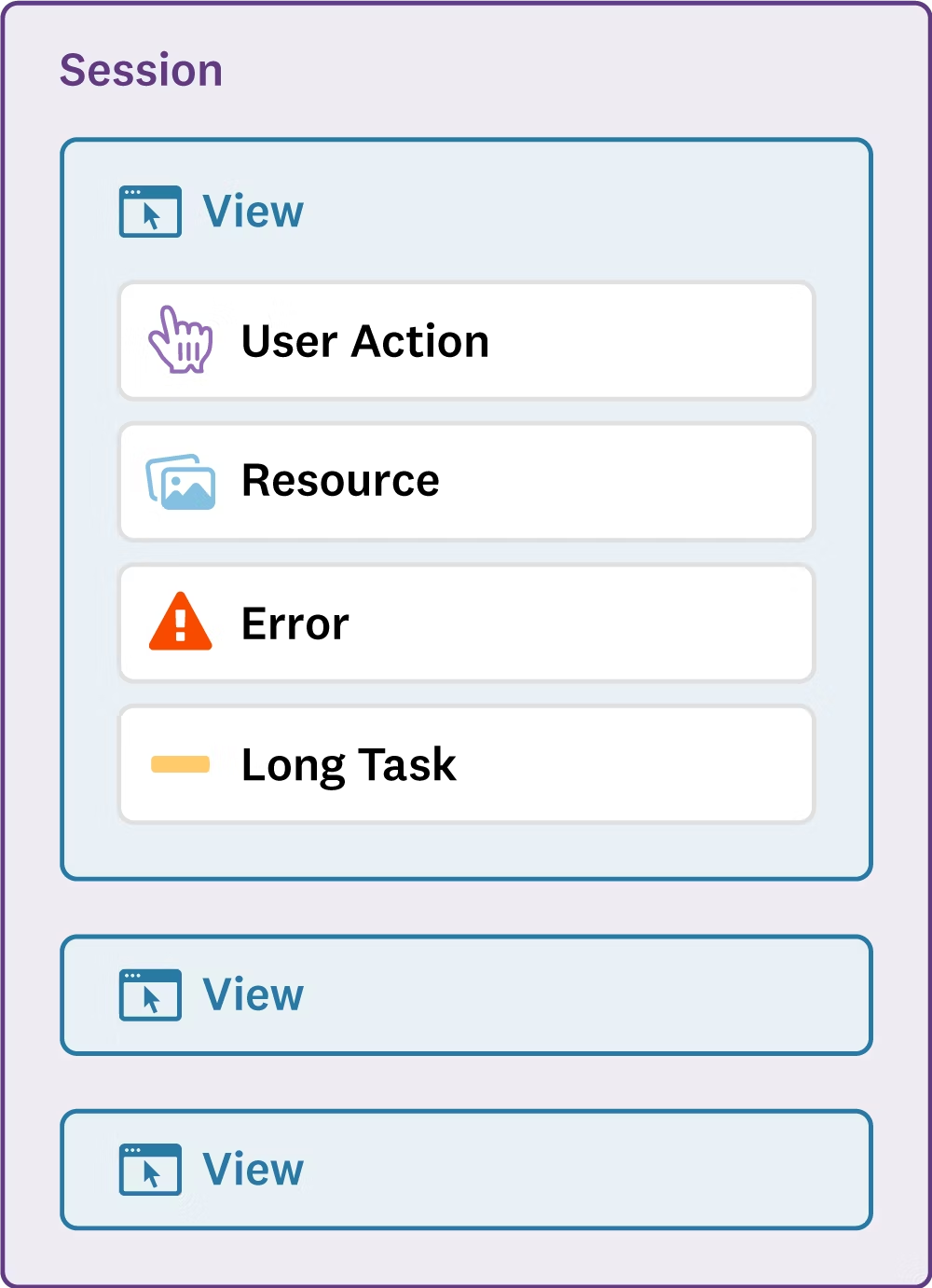
This document details the Flashduty RUM data collection mechanism, including event types, attributes, metrics, and data retention periods.
The RUM Browser SDK generates events with associated metrics and attributes. Each RUM event has all default attributes, such as the page URL (view_url) and user information like device type (device_type) and country (geo_country).There are also additional metrics and attributes specific to a given event type. For example, the view_loading_time metric is associated with view events, while the resource_method attribute is associated with resource events.
A user session begins when a user starts browsing the web application. It contains high-level information about the user (browser, device, geolocation). It aggregates all RUM events collected during the user journey using a unique session_id attribute
View
30 days
A view event is generated each time a user visits a page of the web application. While the user stays on the same page, resource, long task, error, and action events are linked to the related RUM view using the view_id attribute
Resource
15 days
Resource events are generated for images, XHR, Fetch, CSS, or JS libraries loaded on a webpage. They include detailed loading time information
Long Task
15 days
Long task events are generated for any task in the browser that blocks the main thread for more than 50 milliseconds
Error
30 days
RUM collects every frontend error emitted by the browser
Action
30 days
RUM action events track user interactions during the user journey and can also be manually sent to monitor custom user actions
Sessions are reset after 15 minutes of inactivity.